Blog
What Logo File Do I Need for Laser Engraving?
The best file for laser engraving is a vector file: AI, EPS, SVG or PDF. If you don't have one, a high-resolution PNG or JPG (300 dpi or higher) works for most engraving jobs. Laser engraving is single-color, so whatever file you send becomes a one-color mark, and a person on our team reviews every logo before it's engraved.
The rest of this post covers the difference between file types, how color logos convert, what the engraving looks like on different finishes, and what to watch for in your file.
What's the difference between a vector and a raster file?
A vector file stores your logo as shapes and lines defined by math. You can scale it to any size and the edges stay sharp. Designers usually work in vector, so if someone made your logo professionally, ask them for the original AI, EPS, SVG or PDF.
A raster file (PNG, JPG) stores your logo as a grid of pixels. It looks fine at the size it was made for, but enlarge it and the edges go soft or blocky. That's why resolution matters: at 300 dpi or more, a raster logo usually has enough detail to engrave cleanly.
Which logo file formats work for engraving?
| Format | Type | How well it works |
|---|---|---|
| AI | Vector | Best |
| EPS | Vector | Best |
| SVG | Vector | Best |
| Vector | Best | |
| PNG | Raster | Works for most jobs at 300 dpi+ |
| JPG | Raster | Works for most jobs at 300 dpi+ |
If all you have is the small logo from your website or email signature, upload it anyway. Our artwork engine checks every file on upload and can often rebuild a low-res logo so it's ready to engrave.
Can you laser engrave a multi-color logo?
Yes, but it will engrave as one color. Laser engraving doesn't use ink. The mark is the material itself, so there's no way to engrave red next to blue.
When you upload a multi-color logo, it's converted automatically into a one-color engraved mark. The digital proof on the product page shows how that conversion looks on the product and color you picked, so you can judge it before you order. If something about the conversion doesn't look right, the person reviewing your logo will reach out with a recommendation before it's engraved.
For a fuller comparison of engraving and ink, see laser engraving vs. printing on branded merch.
What does a laser-engraved logo look like?
That depends on the surface:
| Surface | What the laser does | How the logo looks |
|---|---|---|
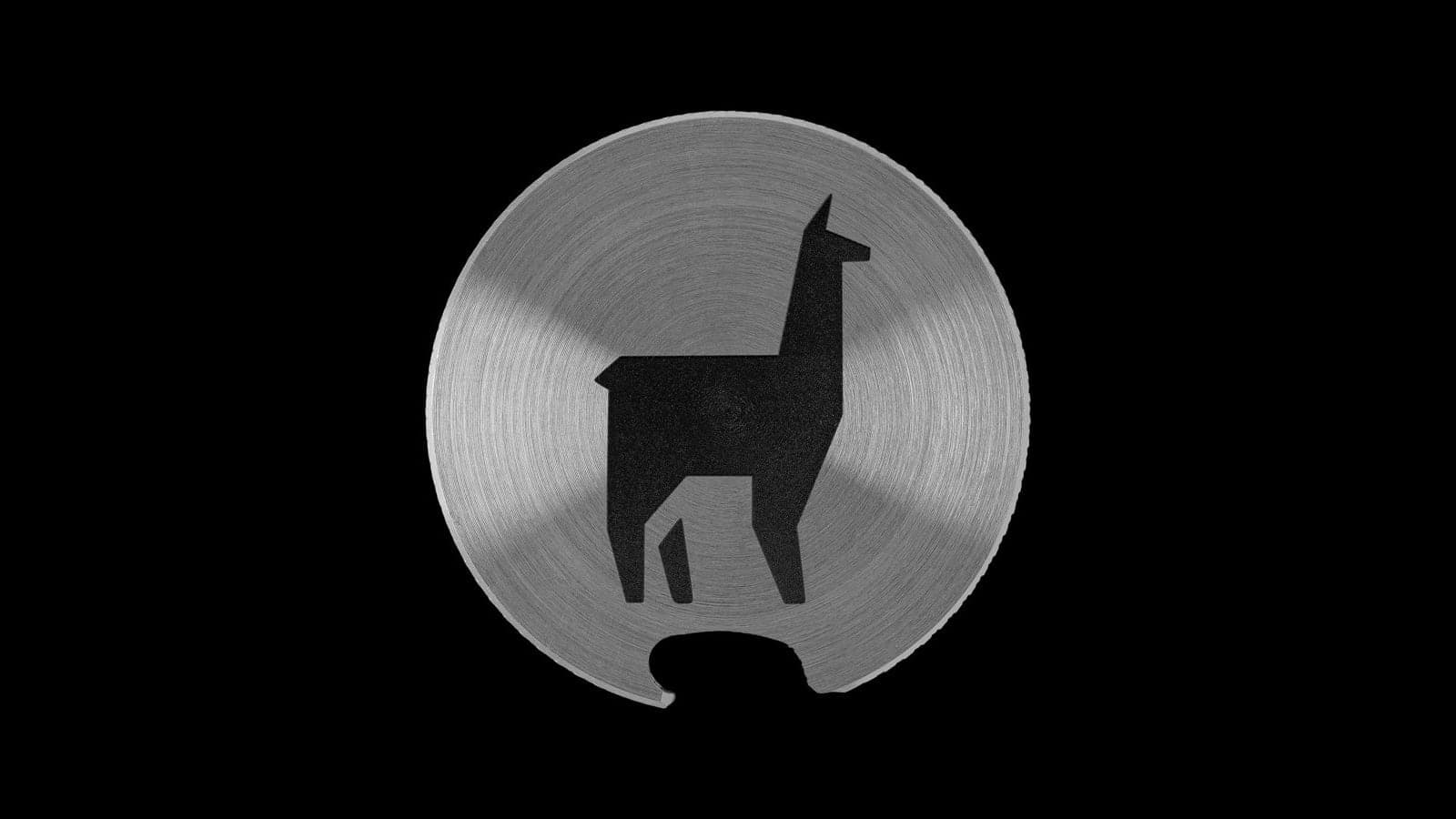
| Powder-coated tumbler | Removes the coating | Bright stainless steel showing through the color |
| Bare stainless steel | Marks the metal | Deep black |
On a powder-coated piece like our 20 oz tumbler, the logo shows up as bright metal against whatever color you choose. The digital proof updates to match the color you pick.
What are the most common logo file problems?
Very thin lines and very small text are the usual trouble spots:
- Very thin lines. Hairline strokes and fine outlines can get lost, especially when a logo is scaled down to fit a smaller item.
- Very small text. Taglines, "Est." dates and fine print can end up too small to read once the logo is sized for the product.
A few other things are worth checking:
- Low-res web logos. A logo saved off a website or social profile is often small. The artwork engine can often rebuild it engraving-ready, and if not, the person reviewing your logo will reach out with a recommendation.
- Backgrounds. Use a transparent-background PNG or a vector file if you have one.
Small items like ball markers and divot tools leave less room, so thin lines and small text matter even more there. A simplified version of your logo, such as just the icon or just the wordmark, often engraves better than the full lockup.
What happens after I upload my logo?
- The file gets checked automatically. The artwork engine looks at it on upload and can often rebuild a low-res logo engraving-ready.
- You see a digital proof as you design. It shows your logo engraved on the actual product, in the color you picked, and updates as you move and resize it.
- A real person reviews every logo. Before production starts, someone on our team checks your logo and how it will engrave. If they see a problem, or a way to make it look better, they'll contact you with a recommendation.
If your logo needs more work than a quick fix, custom artwork prep is available for an added fee.
Will the engraving wear off?
No. The engraving is permanent because it's part of the material. There's no ink to peel, fade or wash off, and the tumblers are dishwasher safe.
Does adding my logo cost extra?
One engraving location is included in every unit price. As of November 2026, for example, the 20 oz tumbler is $18.00 per unit at 25+, $16.00 at 50+ and $14.00 at 100+. Additional engraving locations cost extra, and shipping is quoted in the cart. Check each product page for current pricing.
If several people at your company order with the same logo, a company account keeps shared logos in one place so nobody has to hunt down the file again.
Logo file checklist
Before you upload:
- Send a vector file (AI, EPS, SVG or PDF) if you have one.
- Otherwise, use the largest PNG or JPG you can find, ideally 300 dpi or more.
- Use a transparent background instead of a white box where you can.
- Expect a one-color result, and check the digital proof to see how your colors convert.
- Look closely at thin lines and small text, and consider a simpler version of the logo for small items.
- Choose your product color first, since the proof shows how the logo looks on that finish.
- Don't worry about getting it perfect. A person reviews every logo and will contact you if something needs attention.
Ready to see your logo on a product?
Upload your logo on any product page in the shop and you'll see the digital proof right away. For orders of 1,000+ pieces, request a quote: those programs get the sharpest per-unit pricing, and your artwork is held on file so reorders are one line. Have a deadline? Mention it on the quote form.
Have a project in mind?
Let's engrave it.
Browse the catalog or request a custom quote — we reply within 24 hours.